If you are running a 64 bit version of Windows Vista or Windows 7, you cannot use Nikon’s NEF codec, because it is only compatible with 32 bit operating systems. It is unfortunate that Nikon has not yet released a 64 bit version yet and it seems like it will stay that way – Nikon basically said that they do not have any plans to develop a 64 bit version of the NEF codec.
UPDATE: On 7/26/2011, Microsoft released a new Codec Pack for Windows 7 that incorporates many Nikon DSLRs. The latest codec pack can be downloaded from here. The newest DSLR and mirrorless cameras are not yet supported, but Microsoft should be releasing updates to the codec pack in the future.
For those who do not know what a “RAW codec” is, when you import a RAW image from your camera into your machine, if your PC has no support for that RAW file, it will not display the image thumbnail. In addition, none of the Windows image applications and viewers will be able to open the RAW files. Not that the latter is critically important, especially for those who always process RAW images in Adobe Photoshop or Lightroom, but it is still helpful to be able to see the image thumbnails of files when opening RAW images for editing directly in Windows or when browsing through the archived RAW files.
So, with no support from Nikon for NEF files in 64 bit operating systems, the only other option is to use third party codecs. As of today, there are multiple types of third party codecs, but I will only write about the one that works very well and is 100% free (as of 06/17/2010, the product is no longer free, as explained here. The codec pack is now $9.99. If you want to get the older version that is still free, either Google for “Fastpictureviewer codec 1.70” or download the file from CNET – not sure how long CNET will keep the file).
FastPictureViewer WIC RAW Codec Pack
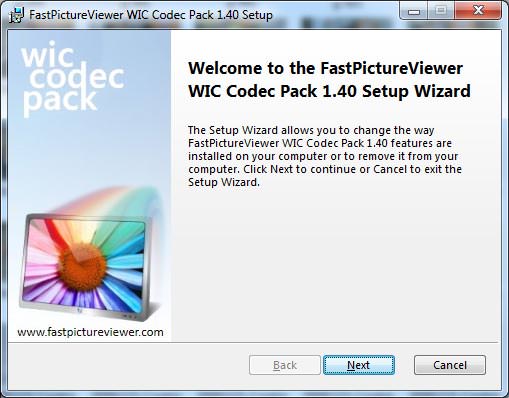
The FastPictureViewer RAW codec pack is a product from fastpictureviewer.com, which includes support for both 32 and 64 bit versions of Windows Vista and Windows 7 and covers over 20 RAW image formats and about 300 camera models (all current Nikon cameras, including D3s are supported). I installed it on my 64 bit Windows 7 Ultimate and the installation went smoothly without any problems (requires reboot after install).
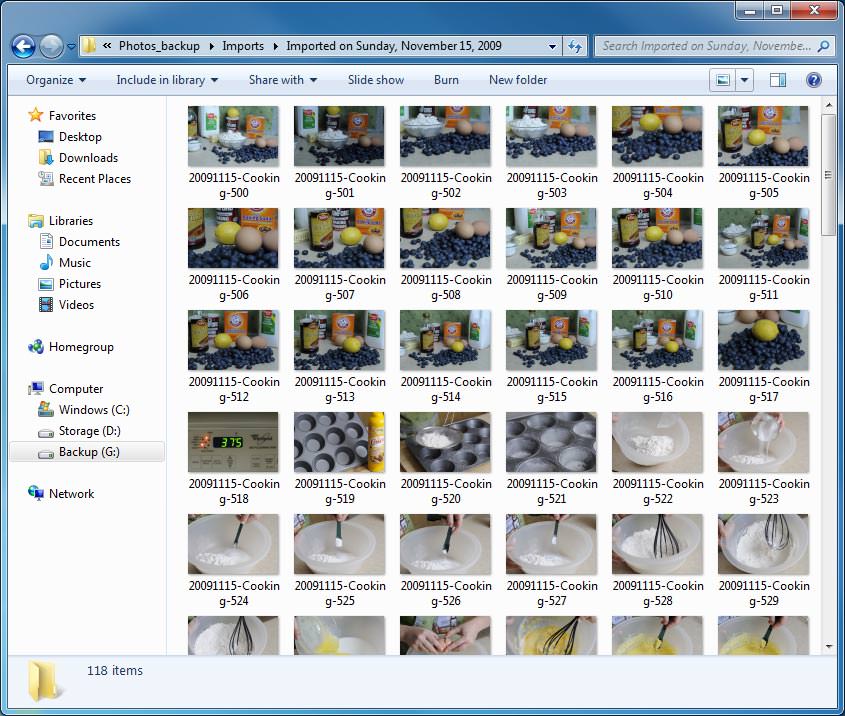
Once I rebooted the machine, I went to a folder with RAW files in it and voila – all image thumbnails loaded up and I was able to see the RAW images:
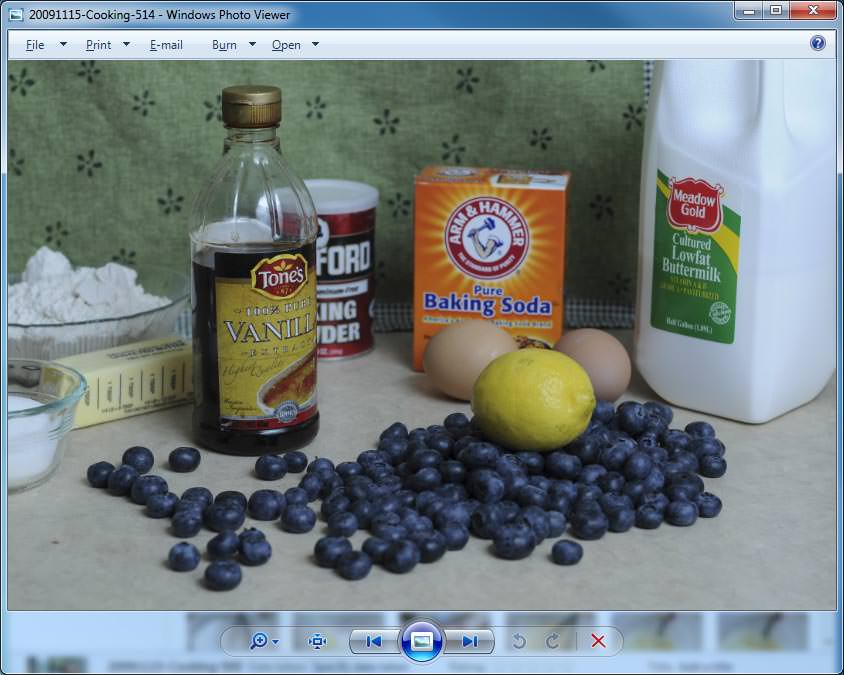
The coolest thing is that now the images can be viewed in Windows Photo Viewer:
I’m very pleased with the results and can finally view all RAW files from my cameras without the need to open each file separately to see the contents. So, if you are looking for a good 64 bit codec for Nikon or other cameras, I highly recommend the FastPictureViewer codec pack!
P.S. The software will also let you see thumbnails of DNG files as explained in my “How to view DNG thumbnails in Windows” article.

Installed today the microsoft version. it has been updated and supports a wide range of DSLRs.
Thank you Nasim for hosting this great blog. Very helpful indeed.
Win 7 x64 is now officially supported :)
nikonimglib.com/nefcodec/
I’ve found this :
nikonimglib.com/nefcodec/
It’s looks like the Microsoft codec… but by Nikon !
What do you think about ??
Many thanks cbre. Have been trying to work around this for a long time. Also thanks to Nikon for finally getting its act together. Seems to work both with windows and Photoshop Elements.. In any case, at least you can now see the NEF files, and it even brings up the .dng files in PSE. A wonderful thing.
yo intente compra los codec, pero lo unico que hisieron fue debitarme mi dinero, y nunca me llego el link para descargar, la aplicacion
verified with nikon d50 windows 7 64 and it works perfect, great !
Microsoft has released his RAW codec last month… and it works!!!!
I hope this can help some of you guys!
Best regards
Thank you Martins
If you install Nikon’s NEF codec (32bit) on a Windows 7 64 bit, and open a 32bit program (I used Firefox) inside windows 7 x64 it will draw the thumbnails of the NEF files. You’ll then be able to see the thumbnails in the folder/64 bit programs (photoshop). A little quick trick instead of spending hours trying to find a free 3rd party codec.
Justin, thank you for the tip, it is definitely good to know! I hope Nikon addresses this problem soon, because it is just unacceptable that they won’t support a 64 bit OS.
Justin… You’re a genius!
It didn’t draw the thumbs until I openned IE 32-bit and navigated to File, Open, All file types and then it drew the thumbs. I went back to Windows Explorer, openned my folder with the NEF files and Voila! It began drawing the thumbs! Wahoo!
Many, many thanks for that tip.
Wow yea such a simple work around, nice one Justin : )
However, the reason I wanted the RAW support was so I could read the file data like exposure time and all the settings etc – if I right clicked a raw before this work around above I would get a tiny list of data, now with the work around I get a large list showing fields for all the data but there is no data showing!
Nikon really need to fix this…
I tried to download from CNET, however I only get the option to “download the latest version”. Do you know if the older – free – version is no longer available?
Thanks in advance!
Erika, just search for “fastpictureviewer codec pack 1.40 download” in Google and download it through RapidShare and other websites. Unfortunately, I cannot give you any links on my website, because I do not want to get in trouble. I was able to download the 1.40 version from a couple of websites.
The fact that Nikon refuses to create a 64-bit Codec to this day when all new PCs are 64-bit (since it’s now the standards for even the cheapest PCs to have 8 gigs ram) is just outright foolish as a company and a huge disservice to the thousands of people who have spent hundreds or thousands for their cameras.
They are totally out of it. It’s unbelievable that they are so stubborn as to be this stupid.
Dave, I totally agree with you! It is a shame that there is no 64-bit version of the codec, when all of my PCs and laptops at home and work have 64-bit operating systems installed!
Nikon needs to put their act together and work on their software. It is a shame that we have to pay third-party companies to get something that should come for free.